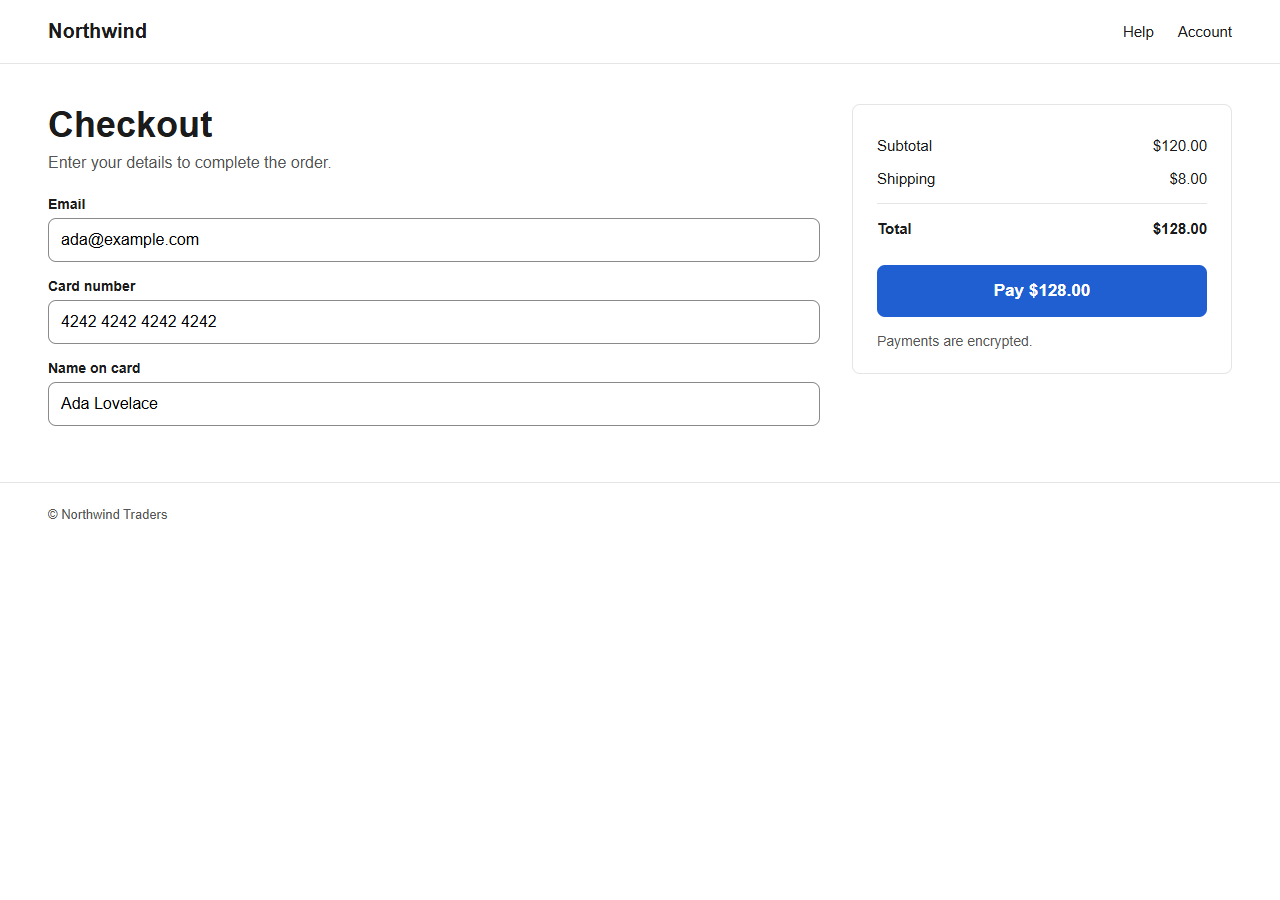
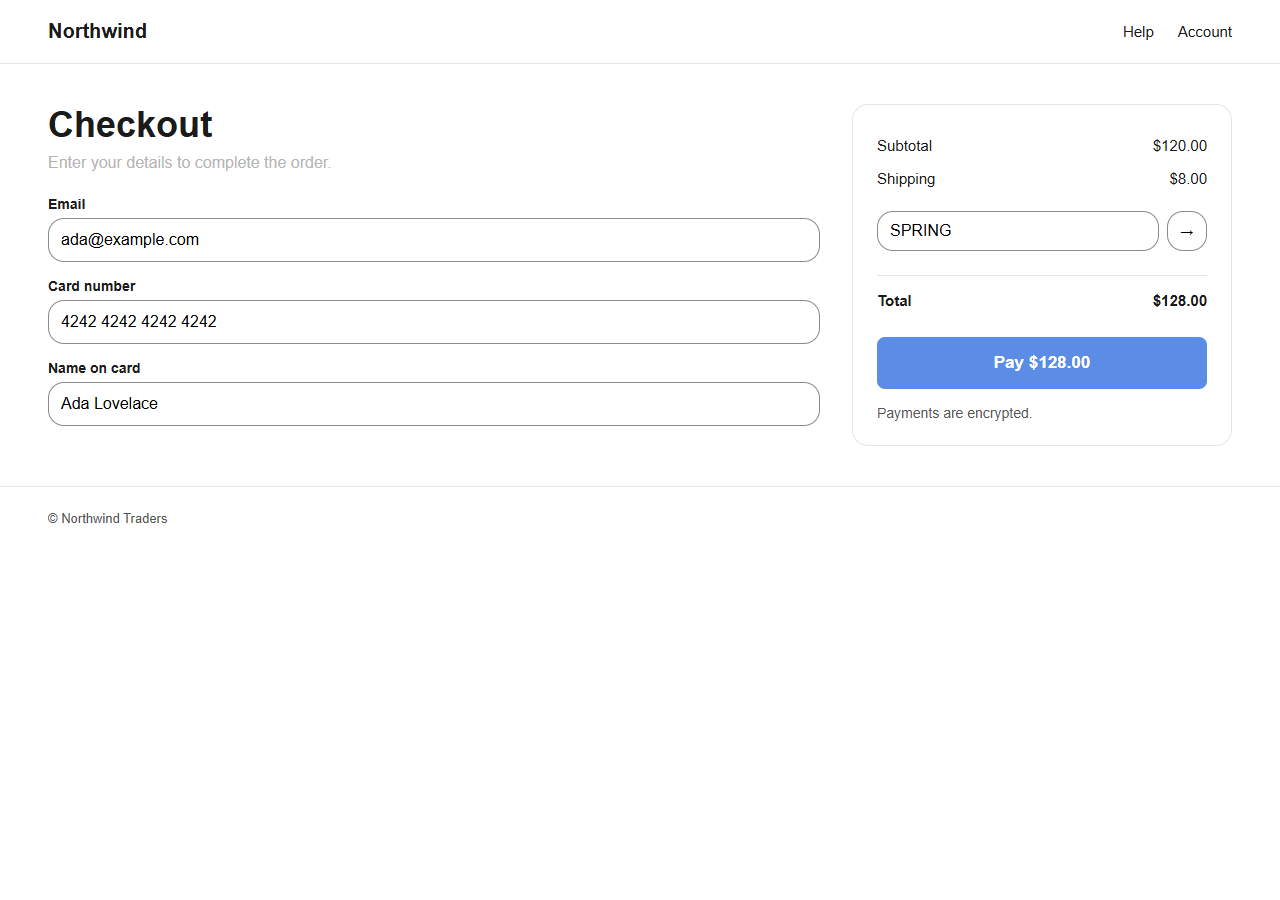
See both versions at once
The approved design and the live page, side by side, at the size your customers actually use.
5 differences on one checkout screen, found in a single pass
Unlint opens your live page, lines it up against the approved design, and shows you what changed — before anyone else finds it.
Every difference is shown as a picture, from both sides. Nobody has to argue about whether it shipped right.
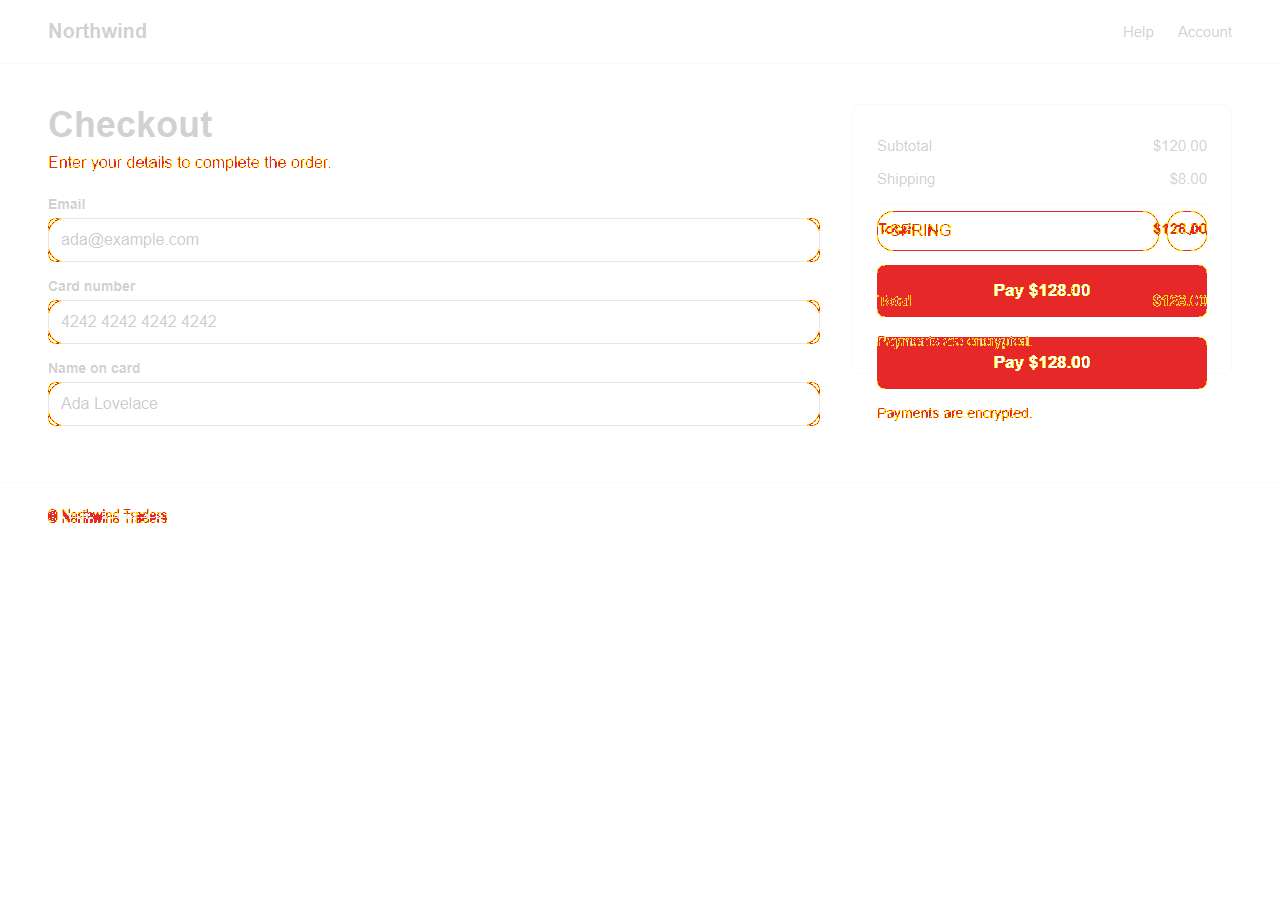
The approved design and the live page, side by side, at the size your customers actually use.
Nothing gets signed off by nobody. Every difference has a name against it and a state you can read at a glance.
Spacing that drifted, a colour that changed, a button that moved. Unlint catches what a tired reviewer at 6pm does not.
Contrast, labels, and the things screen readers need. Checked on the real page, not a checklist someone filled in.
Fix the page and run it again. What is gone is signed off. What comes back reopens, with its history intact.
Both images below came out of the same run. Open the demo to see what it made of them.