What the check did
It loaded the approved design, captured staging at 1280×900, compared the two, and ran the accessibility rules on the same page.
The comparison
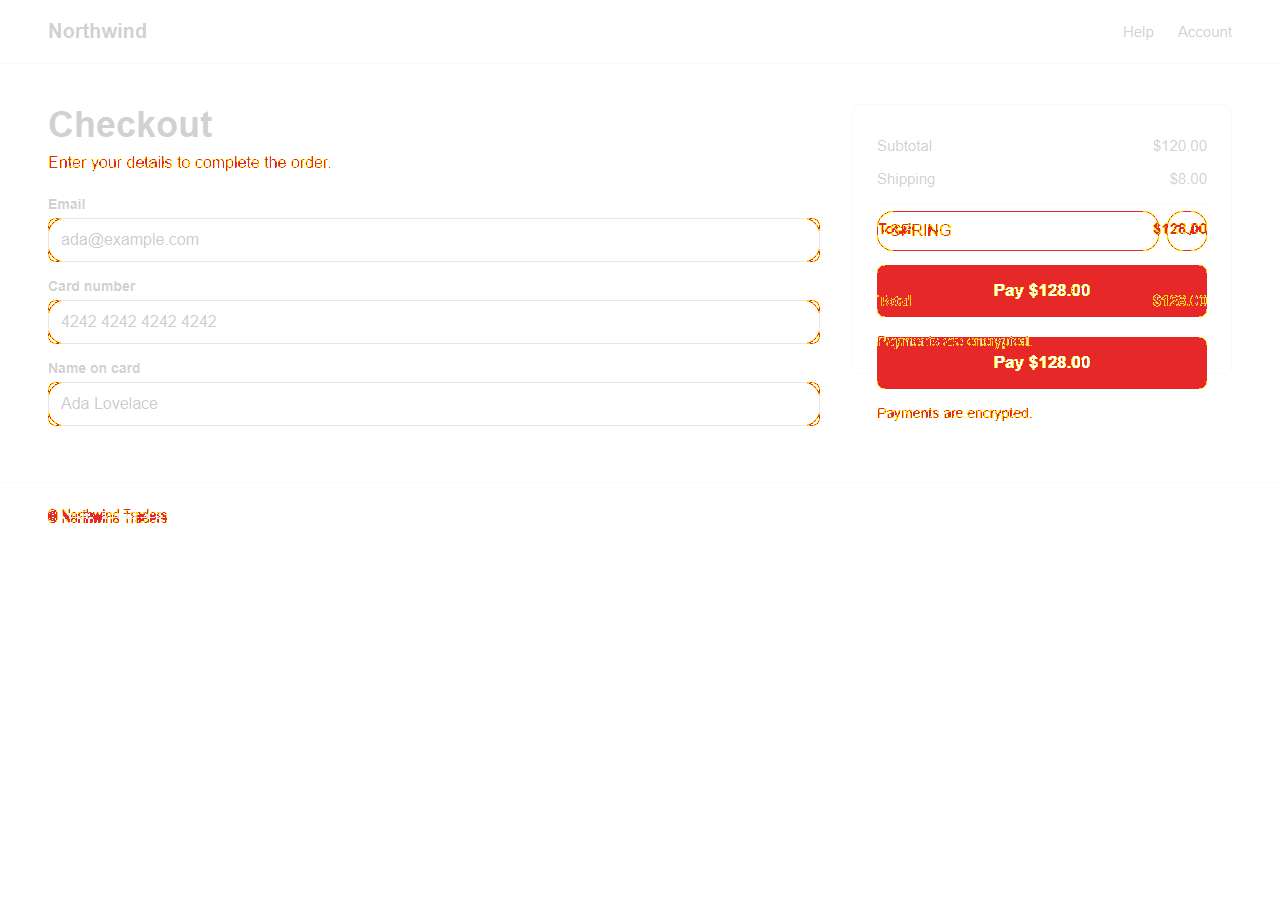
3.01% of the pixels differ. Dense areas of difference are grouped into regions, and each region becomes one finding rather than thousands of stray pixels.
What it scored
No model was configured for this run, so every finding below was written by rules. That is the default, and it costs nothing.
The evidence
Every finding carries the same region from both sides, so a reviewer can see the difference rather than take its word for it.
- UN-1 High Middle right, 408×228
Approved 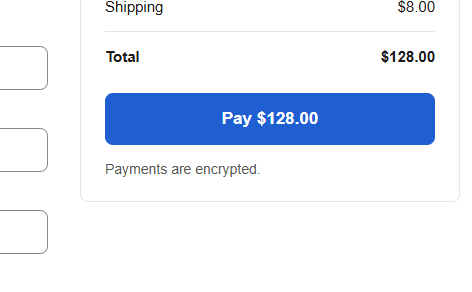
Staging 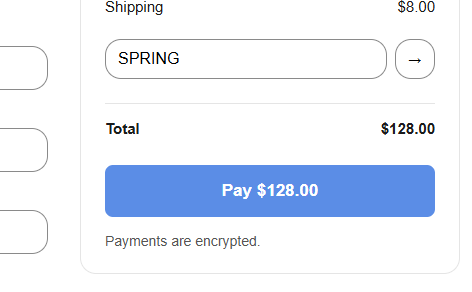
33,480 pixels differ between the approved frame and the staging capture between x 804–1212 and y 204–432.
Verified when: Match the approved design in this area, then run the check again. The finding verifies itself when the difference is gone.
- UN-2 High Top left, 288×276
Approved 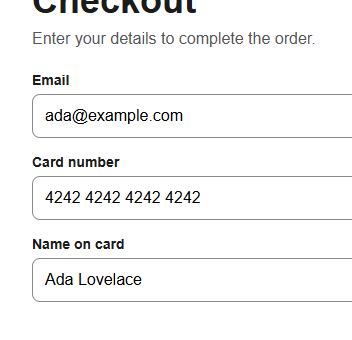
Staging 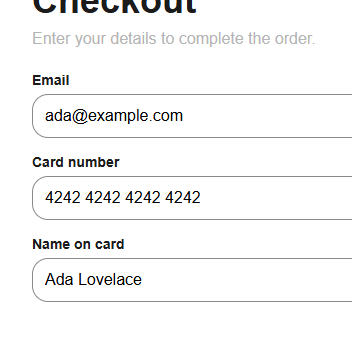
718 pixels differ between the approved frame and the staging capture between x 48–336 and y 156–432.
Verified when: Match the approved design in this area, then run the check again. The finding verifies itself when the difference is gone.
- UN-3 Medium Middle left, 120×24
Approved 
Staging 
517 pixels differ between the approved frame and the staging capture between x 48–168 and y 504–528.
Verified when: Match the approved design in this area, then run the check again. The finding verifies itself when the difference is gone.
- UN-4 Blocker Button name
Approved 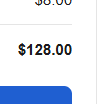
Staging 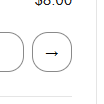
1 element fails this WCAG rule on staging. Fix any of the following: Element does not have inner text that is visible to screen readers; aria-label attribute does not exist or is empty; aria-labelledby attribute does not exist, references elements that do not exist or references elements that are empty; and 4 more.
Verified when: The element passes axe-core's "button-name" rule when the check runs again.
The rule this breaks - UN-5 High Color contrast
Approved 
Staging 
2 elements fail this WCAG rule on staging. Fix any of the following: Element has insufficient color contrast of 2.05 (foreground color: #b5b5b5, background color: #ffffff, font size: 12.0pt (16px), font weight: normal). Expected contrast ratio of 4.5:1.
Verified when: All 2 elements pass axe-core's "color-contrast" rule when the check runs again.
The rule this breaks